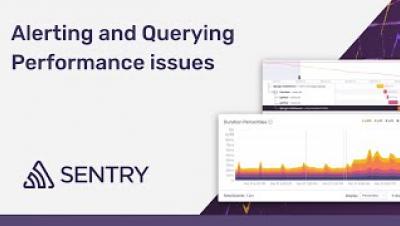
Performance Monitoring: Alerting and Querying Performance Issues
Set up alerts and query your transactions using Discover.


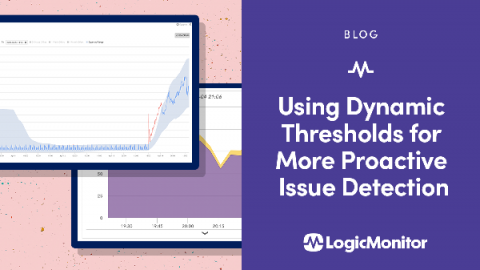
Have you ever been paged for a critical issue and started troubleshooting only to find an obvious drop in requests that weren’t caught by a static threshold? Or a significant increase in a metric that didn’t cross a static threshold? Or even, evidence of warning alerts triggered long ago that should have enabled someone to resolve the issue and prevent it from causing business impact, but instead was ignored in the massive alert volume received by the team?
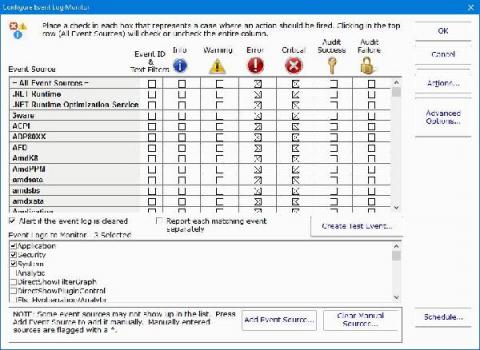
Keeping a server running optimally on a consistent basis involves managing multiple system elements simultaneously. Automated scripts and specialized software can handle the tasks your server needs to complete on a daily basis—but when one of these experiences an error, it can throw the entire system off.
Reacting to alerts can be a pain, however, there are ways to be proactive and decrease frustration concerning IT Alerting. Developing an alerting strategy saves IT Operations and Development teams time, money, and eliminates notifications from low priority alerts. Keep reading for more information on routing and escalation chains, fielding alerts, and how to communicate an alerting strategy to management.
How many servers can be managed by one system administrator? This question is pretty hard to answer since it depends decisively on the tasks that need to be operated. It is clear, however, that the amount of servers one engineer can manage has increased tremendously over the time, and is still growing. Public and private clouds, in combination with automation tools, enables us to automate many daily tasks. In a modern IT infrastructure almost everything can, and should, be automated.
Email alerting is an inefficient way to receive and address critical alerts. Email inboxes tend to get flooded with “clutter,” as irrelevant messages bury urgent incident notifications. Incident management procedures require incident management systems, ensuring that urgent issues are immediately addressed. Yet, some services are reluctant to say goodbye to email alerting and its inefficiencies. This is the case with Google Voice, which recently solidified its commitment to email alerting.
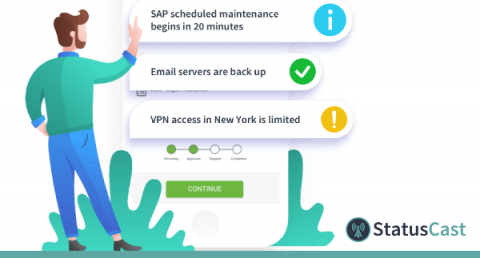
There’s nothing worse than turning on your computer to start the work day and discovering the internet is down. We all know the frustration of tediously trying to figure out what’s wrong before finally breaking down and calling our service provider and waiting on hold, only to discover that it’s a known issue and it’s being addressed. What if there was a better way?