Operations | Monitoring | ITSM | DevOps | Cloud

Un-observable AI is Un-trustworthy AI

Recently, someone talked Chipotle’s customer support agent into reversing a linked list – a task completely unrelated to burritos in any way. Screenshots circulated, people laughed, but underneath the joke sat a sharper question. If a production support agent will do that on a public channel, what else will it do that nobody is screenshotting? The bug is funny. The trust gap behind it is not.

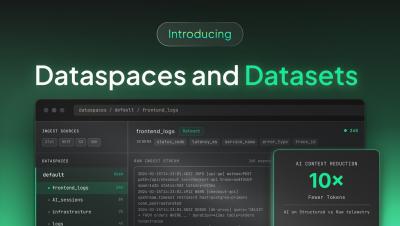
Introducing Datspaces and Datasets

Dataspaces and Datasets | The Structured Data Layer for Teams and AI | Coralogix Dataspaces and Datasets from Coralogix: the structured data layer teams and AI were waiting for. Turn a single query into a reusable dataset, share it across teams, and keep dashboards fast as your data scales. In this video: Timestamps: Dataspaces and Datasets are available now in Coralogix. Whether you're building dashboards, running background queries, or powering AI agents with telemetry data, Dataspaces give your organization a governed, high-performance data architecture that scales with your teams.

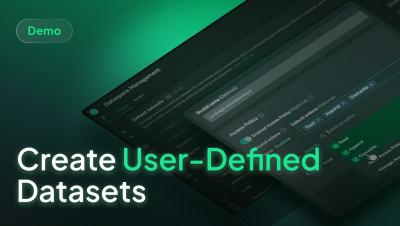
How to create User-Defined Datasets in Coralogix

Learn how to create a user-defined dataset in Coralogix and route telemetry data into it using TCO policies with granular DataPrime expressions. In this walkthrough, you'll learn how to:• Create a new dataset with its own schema, permissions, retention, and cost visibility• Configure PBAC settings for governed access control• Route data using DataPrime expressions in TCO policies• Fan out events to multiple datasets from a single source.

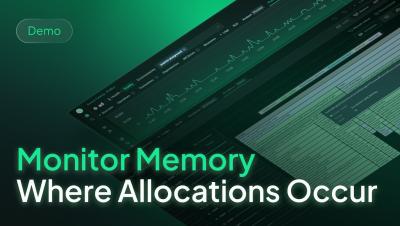
Monitor Memory Where Allocations Occur

Kubernetes dashboards often mask a system infrastructure failure. When a critical application crashes, it often points to an Out-of-Memory event. Even while standard CPU metrics appear completely healthy. This quick walkthrough shows you how Coralogix integrates continuous memory profiling directly into your production environment. We pair OpenTelemetry trace data with continuous background sampling via the Async Profiler. It helps teams isolate resource heavy code paths before they trigger system degradation.

DataPrime at ingest (DPXL): See the impact of any routing decision

TCO policies have always been one of the most impactful cost levers in Coralogix. Route business-critical data to High, push monitoring data to Medium, archive compliance logs to Low. With the addition of DataPrime expressions (DPXL) – a subset of the DataPrime query language designed for inline filtering at ingest – that routing became even more precise, matching on any field in the event payload, not just application, subsystem, and severity.