Icinga Web Filter Syntax: Operators, Wildcards and Custom Variables
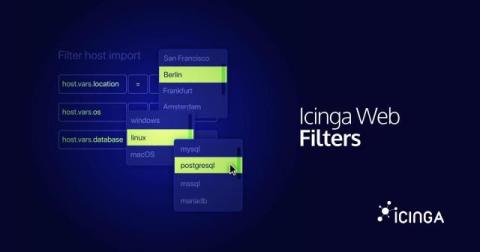
An Icinga Web filter is a chain of conditions, each one a column, an operator, and a value, combined with & and |. You type it into the search bar of Icinga DB Web, but the same syntax shows up in URLs, dashboards, role restrictions, and the event rules of Icinga Notifications Web. This post covers the whole thing: operators, wildcards, grouping, and filtering all the way down into arrays and dictionaries.