
Nano Banana Three-Model Showdown: Which One Actually Fits Your Needs?
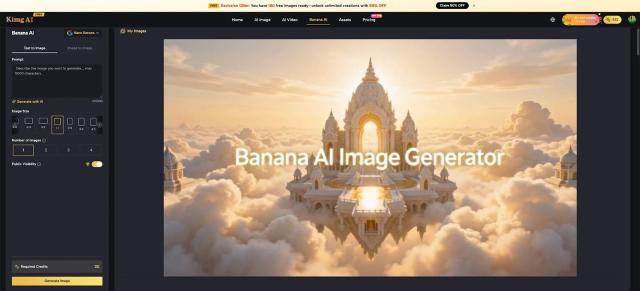
Not every image generation task is the same — and neither is every Nano Banana model. If you've landed on Kimg AI looking for the right tool, this breakdown is for you. Banana AI brings together multiple Nano Banana versions under one roof, so the only question left is: which model should you reach for first?
I. Understanding the Nano Banana Family
Before picking a model, it helps to know what each one is built for. These versions are designed to solve different creative problems instead of simply replacing each other.
-
Nano Banana is the base model: efficient and straightforward, suitable for simple requests and quick visual tests.
-
Nano Banana Pro focuses on more demanding prompts, where structure, detail, and style control matter more.
-
Nano Banana 2 is the middle ground, bringing stronger understanding of complex descriptions and broader reference image support.
II. When Nano Banana (Base) Is the Right Pick
The base Nano Banana model fits best when the task is clear, the brief is simple, and the priority is throughput.
-
High-volume generation: When a project needs many variations of banners, thumbnails, or idea sketches, this model keeps things moving.
-
Straightforward text-to-image work: Single subjects, uncomplicated backgrounds, and concise prompts are handled with ease.
-
Light reference usage: With moderate reference needs, it supports structured but not overloaded image guidance.
-
Quick testing: It is well suited for early-stage creative exploration before moving to a more advanced model for final refinement.
III. When Nano Banana Pro Steps Up
Nano Banana Pro is intended for visually demanding scenes, detailed storytelling, and brand-sensitive materials.
-
Complex prompts with many conditions: Multi-character, specific camera angles, controlled lighting, and exact scene layouts are where this model earns its place.
-
Precise style and branding: When a project must stay close to an established art direction or brand identity, Pro responds better to nuanced stylistic instructions.
-
Advanced reference-guided work: It can incorporate richer visual context from more reference images, essential for scene-building and design exploration.
-
Client-facing visuals: Hero shots, key artwork, and polished visuals benefit from Pro’s stronger structural reliability.
IV. When Nano Banana 2 Hits the Sweet Spot
Nano Banana 2 usually becomes the everyday choice once the workflow is set up on Kimg AI.
-
Nuanced prompt understanding: It parses more detailed descriptions with better coherence, reducing the number of retries needed to reach a usable result.
-
Strong reference-driven control: It adapts well when several reference images must be combined into one scene, improving character and layout consistency.
-
Good balance of quality and flexibility: It covers a wide range of creative tasks, from concept work to near-final visuals.
-
Reliable real-world structure: When scenes need believable composition and proportions, Nano Banana 2 tends to respond more naturally.
V. Practical Use Cases Matched to Each Model
When choosing between Nano Banana, Nano Banana 2, and Nano Banana Pro inside Kimg AI, thinking in terms of real scenarios makes the decision much easier.
-
Social media content at scale
Use Nano Banana. Short-lived content, frequent posting schedules, and the need for many quick variants call for a model that prioritizes speed and consistency over extreme precision.
-
E-commerce product imagery
Use Nano Banana 2. When a product must appear coherent across multiple scenes or backgrounds, this model’s improved understanding and reference handling help maintain shape, color, and branding.
-
Campaign hero images and editorial-style visuals
Use Nano Banana Pro. Flagship visuals often combine multiple characters, layered backgrounds, and detailed styling. Pro responds better to such dense instructions and can support more reference material to lock in the look.
-
Character consistency across multiple scenes
Use Nano Banana 2. Longer-running projects like comics, storyboards, or game concept art benefit from its ability to mix several reference poses and angles to keep characters recognizable.
-
Rapid concept testing for new ideas
Use Nano Banana. When the goal is to explore directions rather than perfect a single frame, the base model allows more prompt experiments in less time.
VI. Getting the Most Out of Banana AI on Kimg AI
Once a suitable model is chosen, a few practical habits help turn the Banana AI Image Generator features into a dependable daily toolkit.
-
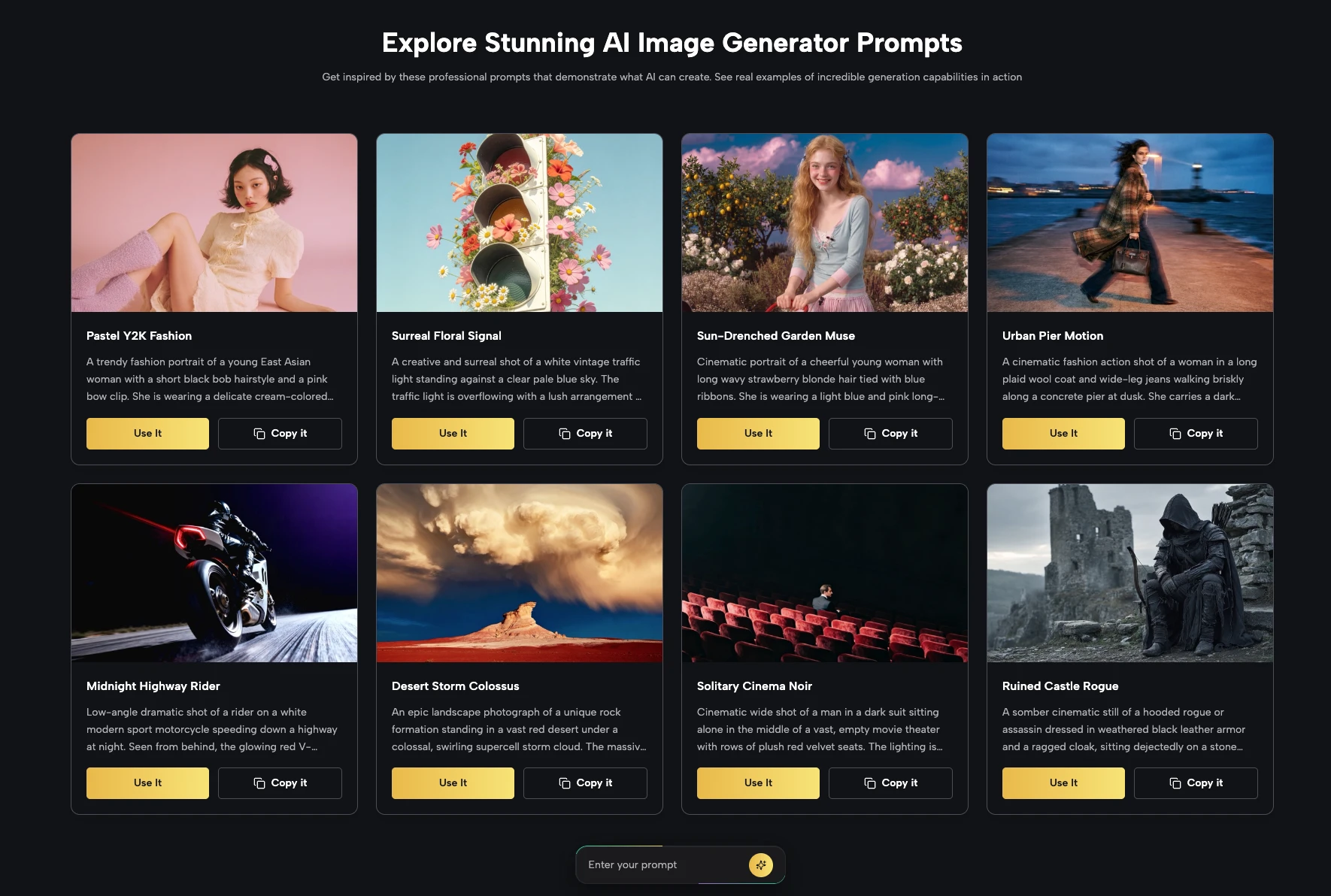
Write clear, grounded prompts. Describe subject, mood, framing, and style in concrete terms instead of vague adjectives, so the model has clear guidance to follow.
-
Combine text and image wisely. When working with the Banana AI Image Maker, upload reference photos that truly matter to the outcome: key poses, color palettes, or layout examples.
-
Refine in short cycles. Adjust prompts in small steps between generations — changing too many elements at once makes it harder to understand what improved or regressed.
-
Choose the model by project stage. Early exploration often suits Nano Banana, mid-stage refinement fits Nano Banana 2, and final polish leans toward Nano Banana Pro.
The Banana AI Image Maker on Kimg AI gives access to 4K-ready results and three distinct Nano Banana models, so each project can use the level of control it actually needs instead of forcing one model to do everything.
VIII. Conclusion: From Testing to Confident Choice
In the end, there is no single winner among the three Nano Banana models on Kimg AI — there is only the option that fits the task. Nano Banana works best for quick drafts and straightforward prompts, Nano Banana 2 covers most day‑to‑day projects that need better structure and consistency, and Nano Banana Pro is reserved for complex scenes and key visuals where detail and control matter most. By starting with simple trials, then matching each brief to the right level of control, the Banana AI image workflow can move from “trying things out” to a repeatable method that reliably turns ideas into 4K‑ready results.
A short round of hands‑on testing with all three models on Kimg AI is often enough to reveal which one should become the default choice for the next project.