Operations | Monitoring | ITSM | DevOps | Cloud

How to Remove Fields with Empty Values From Your Logs

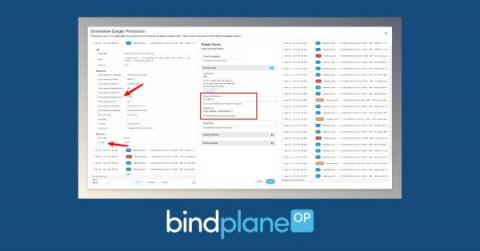
Much of the log data we handle doesn’t offer substantial insight and can be conveniently removed from your logs, helping us reduce costs. What may seem like a small adjustment, like deleting an attribute, can have significant implications when scaled up. A typical case involves fields in your logs presenting empty values or housing data considered irrelevant. Below we’ll take a look at a few examples of what this looks like and how you can take action in BindPlane OP.

Transforming Your Telemetry Has Never Been Easier

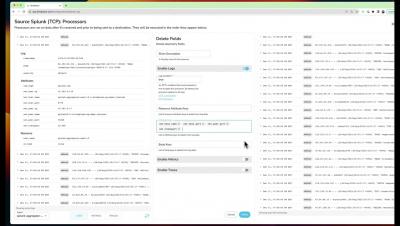
As the foundation of your observability stack, BindPlane OP provides great visibility into your telemetry data, all the way from collection to its final destination. With the introduction of Live Preview in BPOP Enterprise, and a brand new processor workflow, we’ve now made this even better.

Integrating BindPlane Into Your Splunk Environment

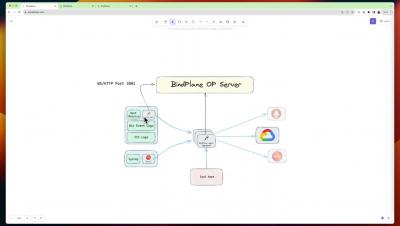
Splunk is a popular logging, and in the case of Splunk Cloud also metrics, platform. The BindPlane Agent is capable of integrating with Splunk; both for incoming telemetry to a Splunk Indexer and outgoing telemetry from a Splunk Forwarder. By integrating in this manner, telemetry not natively supported by Splunk can be sent in; and going the other way the telemetry can be sent to other platforms.

Configuration Management in BindPlane OP

Managing configuration changes within BindPlane OP is a straightforward process when using the newly introduced Rollouts features to deploy your changes. Rollouts provides a user-friendly platform for tweaking configurations, staging modifications, and implementing them across your agent fleet only when you’re satisfied with the changes.