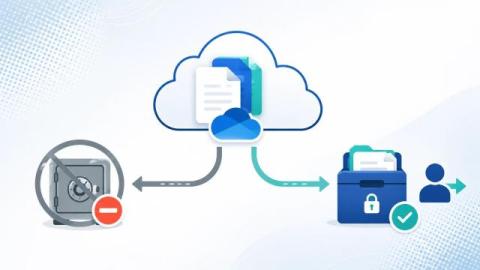
How to export a Microsoft Teams chat - manual options, Purview eDiscovery for admins, what happens after a user leaves the organization, and why retention is not export.
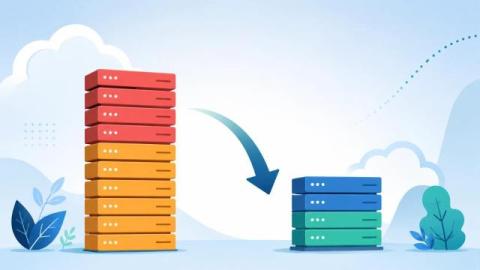
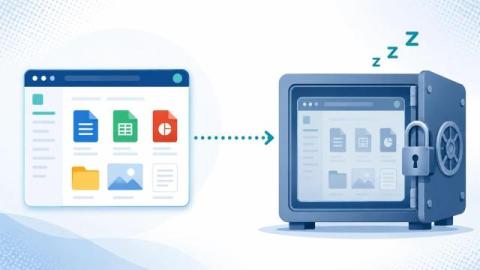
A practical guide to reducing SharePoint Online storage - trim version history, empty the recycle bins, clear the Preservation Hold Library, find your largest sites, and archive inactive content to cut the $0.20/GB overage bill.
Version history is often the biggest consumer of SharePoint storage. How automatic version limits work, why setting a limit does not trim existing versions, and the exact PowerShell to reclaim the space.
Four ways to identify which SharePoint sites and libraries are consuming your storage - the Active sites view, per-site Storage Metrics, PowerShell (Get-SPOSite), and the admin usage reports - plus what to do once you have found them.
How to recover deleted files from the SharePoint recycle bin - both stages, restore steps, PowerShell, the 93-day limit, and how to get back files that are already gone.
How to find, search and retain the SharePoint audit log in Microsoft 365 - the Purview audit search, Search-UnifiedAuditLog PowerShell, retention limits, and where the native audit trail falls short.
An employee's notice period is the highest-risk window for data theft. How to detect and stop SharePoint and Microsoft 365 data exfiltration by departing staff in 2026.
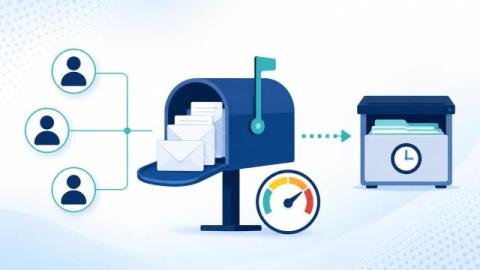
Three ways to archive a shared mailbox: In-Place Archive (licence rules), inactive mailbox retirement, or archiving departed-user mail before converting.