Operations | Monitoring | ITSM | DevOps | Cloud

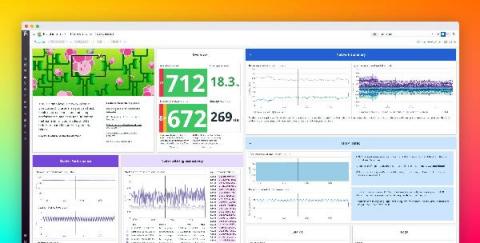
Create powerful data visualizations with the new Datadog dashboards experience

Dashboards are a crucial tool in your monitoring arsenal, as they allow you to visualize and correlate telemetry data from across your stack in a single place. Historically, Datadog offered two dashboard types: Screenboards, for pixel-level control on a canvas, and Timeboards, for troubleshooting a specific point in time. Now, we’re excited to introduce a new dashboard layout that combines the best of Timeboards and Screenboards in a single, seamless editing experience.
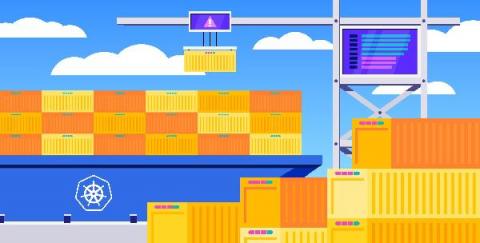
How to debug Kubernetes Pending pods and scheduling failures

When Kubernetes launches and schedules workloads in your cluster, such as during an update or scaling event, you can expect to see short-lived spikes in the number of Pending pods. As long as your cluster has sufficient resources, Pending pods usually transition to Running status on their own as the Kubernetes scheduler assigns them to suitable nodes. However, in some scenarios, Pending pods will fail to get scheduled until you fix the underlying problem.

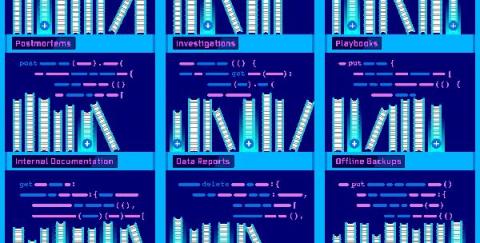
Use Datadog's Notebooks API to programmatically manage your notebooks

Datadog Notebooks simplify the way teams across an organization find and share knowledge. By bringing together live data and rich Markdown text, Notebooks help teams create powerful, data-driven documents—from runbooks and support playbooks to incident postmortems and data reports. And with collaboration functionalities like real-time editing and commenting, team members can simultaneously make changes to a document and gather feedback along the way.

Rollbar SDKs: Using Rollbar in React

Introducing the new Rollbar for React JS Library! This new version of the Rollbar SDK features a declarative API to support the latest React API capabilities and allow greater flexibility in customizing Rollbar's behavior. This video introduces the new library's main features with an accompanying setup demo to show how to add the library to your React apps.

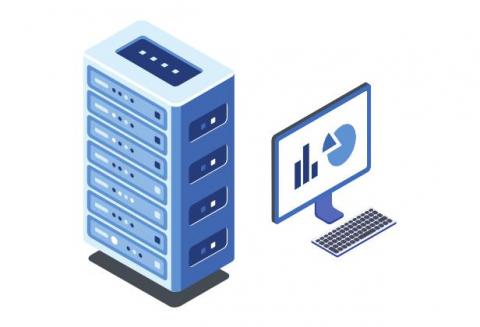
What are Server Monitoring Best Practices?

Server Monitoring is referred to as consistent monitoring of all network infrastructure, related to servers to analyses their resource utilization trends & later optimize it for a smooth end-user experience. The concept of server monitoring is straight forward, it is the collection of data from servers & real time or historical data analysis to make sure that the network servers are free from impending issues are performing optimally thereby fulfilling their intended function.

How to Monitor ALL of Microsoft 365 (8 Different Apps)

Monitoring Microsoft 365 is essential to ensure a superior digital experience with productivity apps and cloud services. Only Exoprise provides full coverage for synthetics and real-user monitoring. The use of 8-10 different synthetic sensors per site provides Exoprise customers with an ideal start. These locations may include corporate headquarters, branch offices, or work from home settings with knowledge workers.

Launching Uptime Monitoring In AppSignal

AppSignal is your one-stop shop for application monitoring. Today, we’re releasing uptime monitoring. Simply add any endpoint you want to check for uptime and AppSignal will monitor it from locations around the globe, 24/7. Uptime monitoring expands our current feature set (error tracking, performance monitoring, metric dashboards, server metrics, and anomaly detection). All features are combined in a beautiful and easy-to-use interface, with a friendly pricing model for developers.

Top 10 metrics in PostgreSQL monitoring with Prometheus

PostgreSQL monitoring with Prometheus is an easy thing to do thanks to the PostgreSQL Exporter. PostgreSQL is an open-source relational database with a powerful community behind it. It’s very popular due to its strong stability and powerful data types. In this article, you’ll learn the top 10 metrics in PostgreSQL monitoring, with alert examples, both for PostgreSQL instances in Kubernetes and AWS RDS PostgreSQL instances.

How to create Discord alerts with Pandora FMS

We are going to learn how to configure a CLI connector for Discord webhooks and use them in Pandora alerts. We will show how to create a server and a Discord channel where we will receive the alerts, enable a webhook to make possible the communication between Pandora FMS and the Discord channel and configure Pandora Discord CLI and an alert in our Pandora FMS console.