Operations | Monitoring | ITSM | DevOps | Cloud

5 Tips to Set Up Your First Git Repository in GitKraken Desktop

Setting up your first Git repository is a bit like writing your first “Hello World” program – it’s a fundamental step in your development journey! And just like “Hello World” introduced you to the basics of coding, creating a Git repo is the first step towards effective collaboration and project management.

GitKraken Workshops: Unblock Code Collaboration with GitKraken's Code Suggest & Launchpad

Dive into the future of code reviews with GitKraken! Discover the power of Code Suggest and Launchpad in our latest workshop. From suggesting code changes anywhere in your project, to consolidating PRs, Issues, and WIPs, this workshop includes demos so you can seamlessly integrate these new features into your workflow. Gain valuable insights into overcoming traditional pull request challenges, improving collaboration, and enhancing workflow efficiency with GitKraken's DevEx platform.

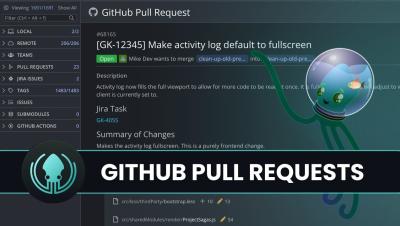
6 GitHub Collaboration Problems Solved by GitKraken's Tools

Picture this: you’re working on a big project with tight deadlines, juggling multiple pull requests, and just when you think you’re getting ahead, you hit a merge conflict that throws everything into chaos. Your inbox is flooded with GitHub notifications, you’ve lost track of which issues are the most urgent, and the code review feedback is as clear as mud. Sound familiar? Well, you’re not alone.

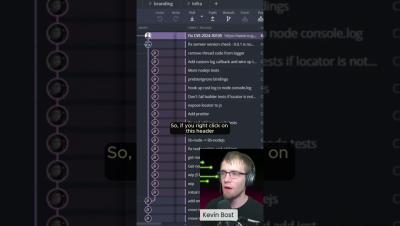
Installing & Setting Up #GitLens in VS Code #tutorial #shorts

Looking for the ultimate GitLens tutorial? We've got you covered! In Part 1, learn how to quickly install and set up GitLens in VS Code so you can get started optimizing your workflow in no time. Watch the full video here on YouTube to uncover tips and tricks that will help you become a GitLens pro!