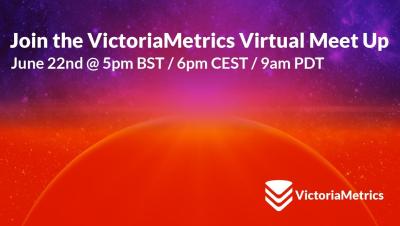
VictoriaMetrics Meetup June 2023: Introducing VictoriaLogs | Open Source Logs management
Watch the recording of our 2nd virtual meet up of the year during which we announced the new VictoriaLogs!


Attention, all tech enthusiasts! We are thrilled to announce that ManageEngine has once again been positioned as an Overall Leader for UEM in the KuppingerCole Leadership Compass. This marks the second consecutive time we have achieved this recognition. We have been acknowledged as leaders in all three leadership categories: Product Leadership, Innovative Leadership, and Market Leadership.
In today’s digital era, the cloud has revolutionized the way we store, process, and transmit data, offering scalability, efficiency, and flexibility. As we continue to transition towards this cloud-first approach, the importance of robust cloud security can’t be overstated. This article will provide ten essential tips for ensuring the safety and security of your data in the cloud.