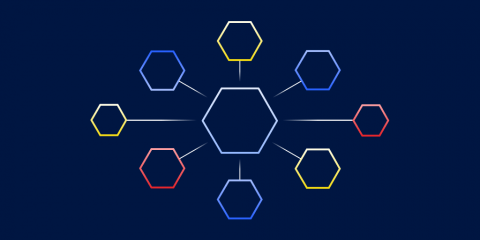
Tracing and debugging microservices is one of the biggest challenges this popular software development architecture comes with - probably the most difficult one. Due to the distributed architecture, it's not as straightforward as debugging traditional monolithic applications. Instead of using direct debugging methods, you'll need to rely on logging and monitoring tools, coding practices, specific databases, and other indirect solutions to successfully debug microservices.
Building and supporting a video game project is challenging. It is a complex and intricate process that balances difficult time constraints and ambitious goals while keeping a highly engaged and demanding user base happy. Game developers need every advantage possible in the development and support process to succeed. One of the best ways to ensure that a game is successful is to make sure that every shipped version of the game project contains as few crash-causing defects as possible.
Imagine you start a new hobby — let’s say bike riding. You don’t want to invest a lot in a bike because you’re not sure that you’ll like it. Luckily, you snag a free bike from a friend — it’s clunky, but the price is right. You start out with short rides around your neighborhood and eventually find yourself riding every day, going on longer and longer rides. Your free, heavy bike is holding you back.
At BugSplat, we're constantly searching for ways to help our users save time and energy while fixing crashes. We do this by providing them with more tools to quickly identify the underlying defects that cause problems in their apps. In that vein, we're excited to introduce the Batch Reprocess Tool (view technical doc here), a new feature that allows users to quickly select a set of crashes and have them reprocessed in bulk.
At BugSplat, we have a unique view of how uncaught crashes can impact individual teams (and entire companies) through our work building tools to find and fix bugs in live applications. We've seen firsthand the difference it can make when teams have a workflow for reporting every defect that makes it into production and when they don't.
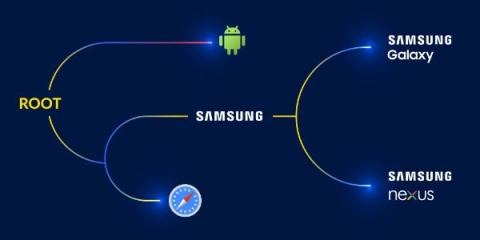
BugSplat's new auto-grouping feature is a powerful way to automatically group crashes in a way that's meaningful to your team. Normally, crashes are grouped by the top of the call stack. But sometimes this grouping isn't ideal. For example, if the top of your call stack is KERNELBASE!RaiseException (a Windows OS function) you'd probably prefer the crashes were grouped by a different stack frame. That's what BugSplat's auto-grouping feature does!
As React is the most popular JavaScript framework for creating component-based applications, you have access to a solid ecosystem of tools, resources, and best practices that can help with React debugging when something goes wrong. To create a high-quality React application, you can’t skip over the debugging phase of your software development life cycle including everything from addressing error messages coming up in the development phase to monitoring live errors in production.