5 Minutes to Awesome: Creating an InfluxDB Template
Turn your InfluxDB dashboard into a reusable InfluxDB Template in under 5 minutes.


The latest News and Information on Monitoring for Websites, Applications, APIs, Infrastructure, and other technologies.
It’s 3 AM and you are roused out of sleep by the dull buzzing of your phone in the other room. Some sort of emergency, you conclude as you fumble with the lockscreen. There it is: an alert that the API governing user registration is acting up. When we think about the lag between time of incident and time to respond, it’s not just about how long the system went down. How long it physically takes us to respond to the problem also contributes to lost downtime.
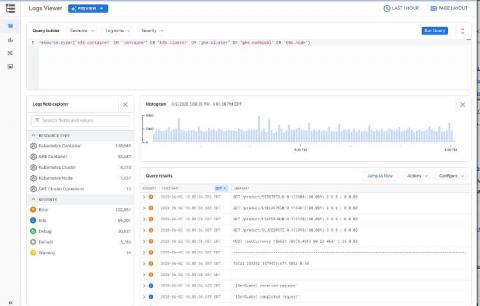
Logs are an important part of troubleshooting and it’s critical to have them when you need them. When it comes to logging, Google Kubernetes Engine (GKE) is integrated with Google Cloud’s Logging service. But perhaps you’ve never investigated your GKE logs, or Cloud Logging? Here’s an overview of how logging works in GKE, and how to configure, find, and interact effectively with the GKE logs stored in Cloud Logging.