Operations | Monitoring | ITSM | DevOps | Cloud

4 Hurdles of Multi-Repo Management (and How to Solve Them)

First, let’s break down the differences between mono and multi-repo setups. Mono-repos are exactly what they sound like – singular repositories that hold everything in one place. Multi-repos, however, can scatter the landscape, resulting in separate repos that are all still part of the larger ecosystem. While this approach offers flexibility, it can also make projects way harder to manage.

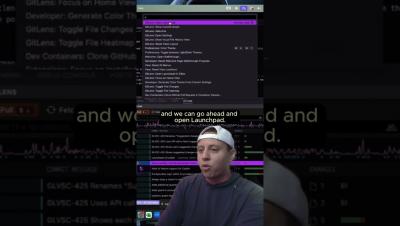
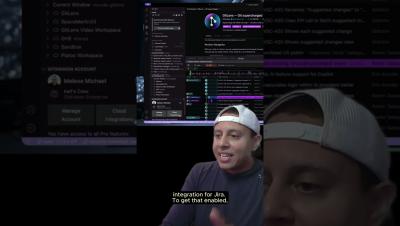
See all PRs, Issues & WIPs in the CLI #GitKraken #FocusView #shorts

Command line environments can feel stale. You punch in something to get something out, and sometimes, that's all you need – but as projects grow, extra visual elements for organization become invaluable. 🚀 Focus View in the GitKraken CLI makes things easier. Navigate through lists, pop out links, switch tabs, and fine-tune what you see with Pin & Snooze. No more digging through one item at a time – everything you need is right there, at a glance. 🤩

Elevating Dev Teams: GitKraken and JetBrains Share Insights from 150,000 Developers

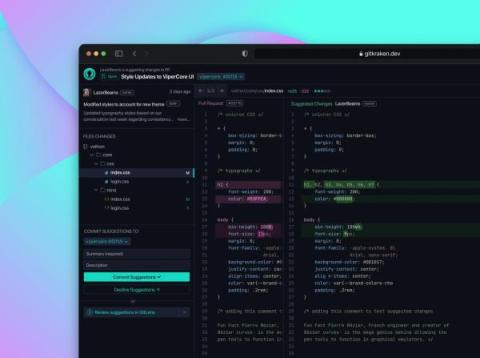
Annual reports often feel full of fluff, but the 2024 State of Git Collaboration Report, developed by GitKraken in partnership with JetBrains and drawing on insights from 150,000 developers worldwide, gets straight to the heart of what makes the best development teams stand out in 2024.

Keep Repos Organized Within the Terminal: GitKraken CLI Tutorial & Use Case

Ever felt like you’re juggling too many Git repositories, trying to keep up with pull requests and issues, all while wishing there was a more streamlined way to handle it all from the comfort of your terminal? If that hits close to home, then you’re in for a treat with GitKraken Ambassador Kevin Bost’s deep-dive dive into the GitKraken CLI.