Operations | Monitoring | ITSM | DevOps | Cloud

Smarter Tools and Best Practices for Mobile Debugging: A Hands-On Workshop

You get a crash report: “App crashed on checkout page.” But you can’t reproduce it on your Pixel. Maybe it’s only happening on a Samsung device? Maybe it’s a memory issue? Or maybe the user was on a bad network? Now you’re stuck digging through logs, guessing at settings, and running the same scenario over and over in your emulator.

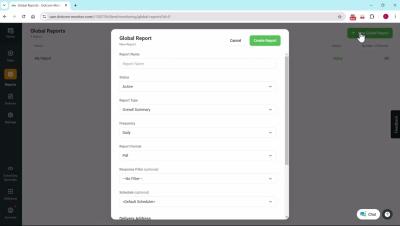
Scheduled Resource Recommendations in Azure | Azure Cost Optimization

The video showcases a new feature in Turbo360 that allows users to schedule the turning on and off, as well as rightsizing of their Azure resources. Michael Stephenson (product owner for Turbo360) explains how this feature helps users optimize their resources by automatically scheduling actions such as turning off Virtual Machines (VMs) during non-peak hours and scaling them based on usage.

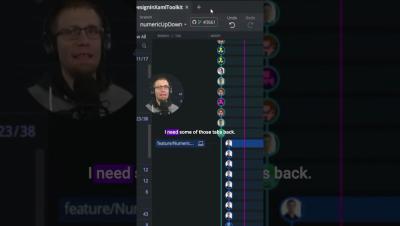
The Ultimate Guide to Becoming a GitKraken Power User: GitKon 2024

Maximize Your Efficiency with GitKraken: Tips for Power Users from Kevin Bost at GitKon 2024. Join Kevin Bost, Senior Software Architect and GitKraken Ambassador, as he walks you through comprehensive tips to become a GitKraken power user. This session covers essential features like the command palette, navigation shortcuts, branch management, tab handling, and more. Ideal for developers looking to optimize their workflow using GitKraken Desktop.

What is Defense in Depth and how can you apply it with Ubuntu?

Find out how you can apply a Defense in Depth approach with Ubuntu. Ubuntu’s security offerings are much more than just a collection of tools: they are an ecosystem of layered defenses, each tuned to address specific threat levels and attacker capabilities. By understanding the unique threats each layer counters, you can make informed choices about which defenses are most important for your environment.

Link-OS 7.2 Features Overview | Zebra

This video explains the key features available in Link-OS version 7.2, including 8x color display UI feature enhancements, such as serial and voltage settings, slew speed and back feed adjustments, batch counter, and more. Keeping your Zebra printer's Link-OS operating system up to date helps you get maximum performance and value from your investment, giving you the most up-to-date security support, newest features and compatibility with the latest Zebra DNA software tools.