Customer Spotlight - Award for Outstanding Dashboard
We love when customers share their stories. Adam Kinniburgh, SquaredUp’s VP Customer Success, reveals our favorites - the winner takes home a Star Wars LEGO set!

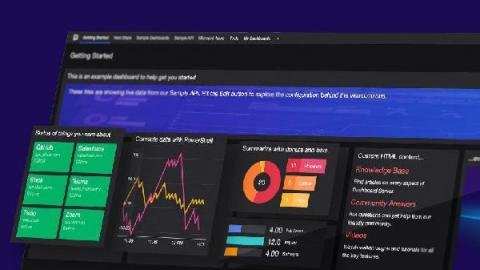
We are delighted to announce that SquaredUp 5.1 is now available! With this latest update, we are introducing new integrations and visualizations that extend the picture of your business services and applications by unlocking even more of your data that is trapped within silos. You can now get insights on your enterprise applications from any angle! These features are available in all our products, including our newest product Dashboard Server.
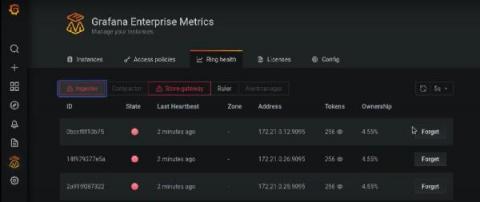
We built Grafana Enterprise Metrics (GEM) to empower centralized observability teams to provide a multi-tenanted, horizontally scalable Prometheus-as-a-Service experience for their end users. The GEM plugin for Grafana is a key piece of realizing this vision. It provides a point-and-click way for teams operating GEM to understand the state of their cluster and manage settings for each of the tenants within it.
In my previous blogs in the Dashboard Server Learning Path, we looked at working with the Web API tile and the PowerShell tile. In this instalment, let’s try the SQL tile. This tile will let you connect to any SQL database and run a SQL query straight from SquaredUp. This tile is also available in both the SquaredUp for SCOM and Azure products, so I have some familiarity with it already.
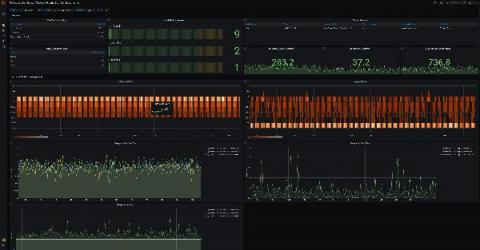
I have been using Grafana for almost four years now, and in that time it has become my go-to tool for my application observability needs. Especially now that Grafana allows you to also view logs and traces, you can easily have all three pillars of observability surfaced through Grafana. As a result, when I started working on the Elixir PromEx library, having Grafana be the end target for the metrics dashboards made perfect sense.