The latest News and Information on DevOps, CI/CD, Automation and related technologies.
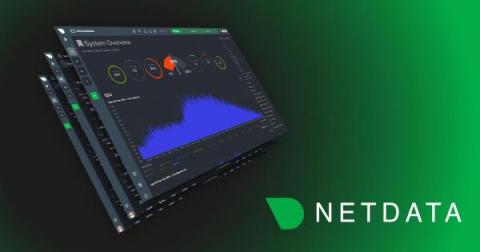
In this blog, we will walk you through the basics of getting Netdata, Prometheus and Grafana all working together and monitoring your application servers. This article will be using docker on your local workstation. We will be working with docker in an ad-hoc way, launching containers that run /bin/bash and attaching a TTY to them. We use docker here in a purely academic fashion and do not condone running Netdata in a container.
Netdata reads /proc/
We recently covered some of the complex decisions and architecture behind Cycle’s brand new interface. In this final installment, we’ll peer into our crystal ball and glimpse into the future of the Cycle portal. Cycle already is a production-ready DevOps platform capable of running even the most demanding websites and applications. But, that doesn’t mean we can’t make the platform even more functional, and make DevOps even simpler to manage.
Netdata monitors tc QoS classes for all interfaces. If you also use FireQOS it will collect interface and class names. There is a shell helper for this (all parsing is done by the plugin in C code - this shell script is just a configuration for the command to run to get tc output). The source of the tc plugin is here. It is somewhat complex, because a state machine was needed to keep track of all the tc classes, including the pseudo classes tc dynamically creates. You can see a live demo here.
Heroku is a cloud-based platform that supports multiple programming languages. It functions as a Platform as a Service (PaaS), allowing developers to effortlessly create, deploy, and administer cloud-based applications. With its compatibility with languages like Java, Node.js, Scala, Clojure, Python, PHP, and Go, Heroku has become the preferred choice for developers who desire powerful and adaptable cloud capabilities.