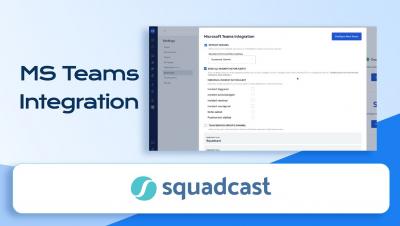
Teams using MS Teams can now integrate with Squadcast and easily Acknowledge, Resolve & Reassign incidents using MS Teams. You can configure Squadcast to send a notification to the configured MS Teams channel as soon as an incident is triggered.
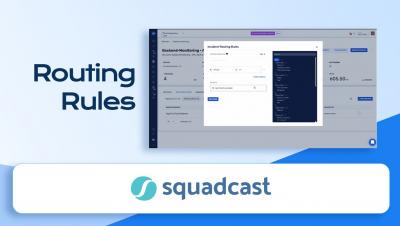
Alert Routing allows you to configure Routing Rules to ensure that alerts are routed to the right responder with the help of event tags attached to them. This video explains how you can utilise Routing rules to create various incident routing flows.
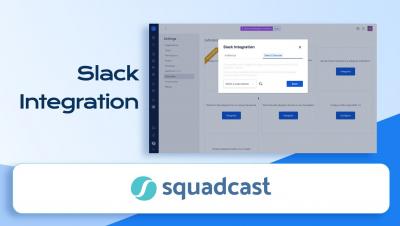
You can integrate Squadcast and Slack to collaborate efficiently with your team while working on incidents. Squadcast sends a notification to the configured Slack Channel as soon as an incident is triggered.
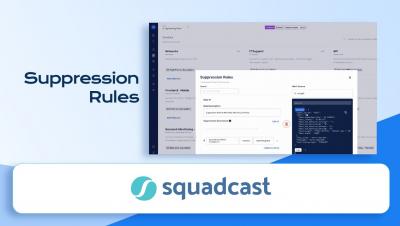
Alert suppression can help you avoid alert fatigue by suppressing notifications for non-actionable alerts. Squadcast will suppress the incidents that match any of the Suppression Rules you create for your Services. These incidents will go into the Suppressed state and you will not get any notifications for them.
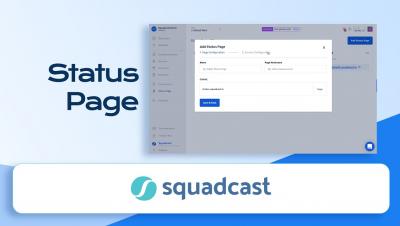
Let your customers know how your Services are doing, without them having to ask you about it. One of the core principles of SRE is Transparency and Status Pages help you communicate the status of your Services to your customers at all times, as opposed to you getting to know the status of your Services through support tickets logged by your customers.
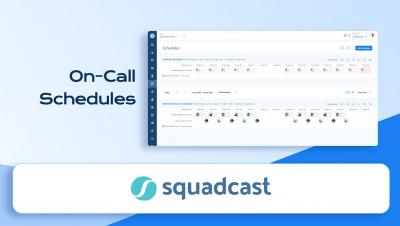
With Squadcast's schedules, You can choose to create as many on-call schedules to support your current team and system structures much like before. What’s new is that you can customize it to the color you want the schedule to reflect on the calendar.