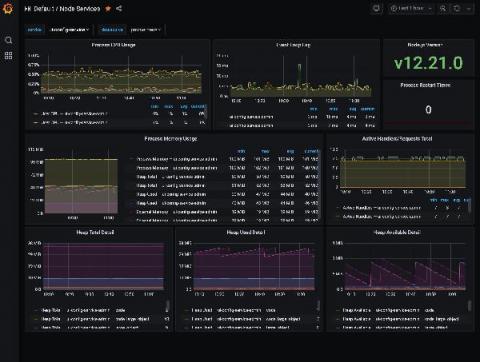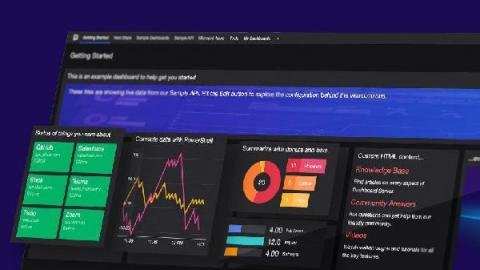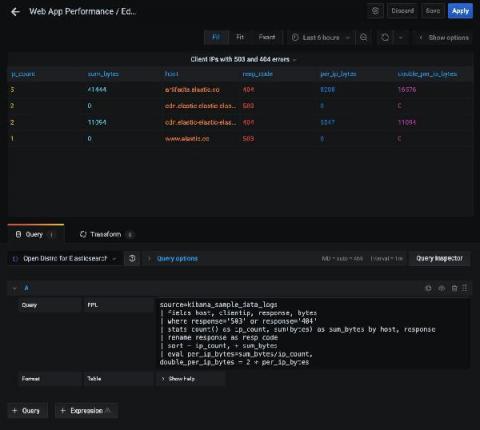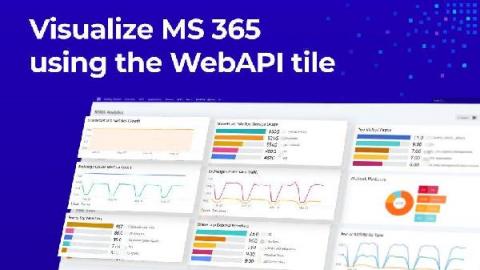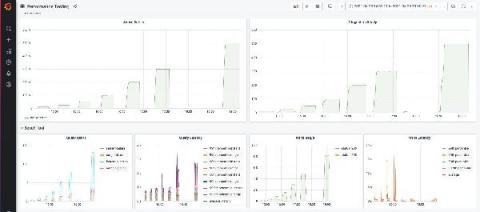
Data visualization is a simple presentation of data or information in a graphical format. Humans are naturally drawn to colors and patterns and these tools make it easier for people to interpret and understand data. Numbers are complex and they can be difficult to understand conceptually. Whereas, data visualization or pictorial representation can spark an interest in your audience to listen and learn more from your presentation.
Three years ago, Tom Wilkie and Frederic Branczyk sketched out the idea for Prometheus monitoring mixins. This is a jsonnet-based package format for grouping and distributing logically related Grafana dashboards with Prometheus alerts and rules. The premise was that the observability world needed a way for system authors to not only emit metrics, but also provide guidance on how to use those metrics to monitor their systems properly.
Grafana Cloud is the easiest way to get started observing metrics, logs, traces, and dashboards. When we say “easiest,” we mean it: Grafana Cloud is designed so that even novice observability users can use it. As a new user, you are not required to dive into the complexity of setting up Prometheus and figuring out how to create Grafana dashboards from scratch. Integrations are the reason why.
Oftentimes users of open source are told to go download it and figure it out… or pay for a managed solution in the cloud. So the typical choice is free and do-it-yourself or expensive and easy. With our new changes to Grafana Cloud, we are making it both free and easy to have a real, composable observability solution.
So you’ve now finally finished putting all the pieces together – transitioned to Azure, deployed resources, deployed applications, got familiar with Azure Monitor and set up all the monitoring. You’re now collecting all the monitoring, application performance and security data for your Azure resources in Log Analytics workspaces, ready for analysis. (Head over to our Azure Monitor Learning Path if you're still figuring out how to do all that.) But is only the collection enough?
Welcome to 2021, a year we are all entering full of hope. None of us knows quite what 2021 holds in store with regards to the global pandemic, but no doubt it will be another year of huge change. That will mean continued pressure on IT organizations across all industries to adapt and deliver new services to the business and users, all while keeping costs as low as possible. As we start a new year, many of you reading this will be considering your monitoring strategy in 2021 and beyond.
If you’ve been using SquaredUp for Azure, you’re familiar with its abilities to treat Azure native virtual machines . You can create a number of amazing and useful visualizations with them, such as displaying their health state, performance charts, costs, and so on. This is all excellent and super useful, but one question we frequently get asked is: how do I do these things with my on-prem servers that I’ve connected to Azure Monitor?
Smart State Technology (SST) is a company based in the Netherlands that develops advanced technological and future-proof solutions for smart grids. Their mission is to reinforce critical energy infrastructures by providing innovative energy solutions that connect industry and research, while ensuring society can fully benefit a sustainable energy future.