Before, to know detect a website changed its content or not, you had to manually visit the website and check by yourself. This is a thing from the past! Tools such as Hyperping can send instant alerts in case of changes. One way is making sure your API or marketing site returns the expected content. Some servers return an expected status code (200, OK) but can often return the wrong content in the response body, whether it is HTML content or JSON.
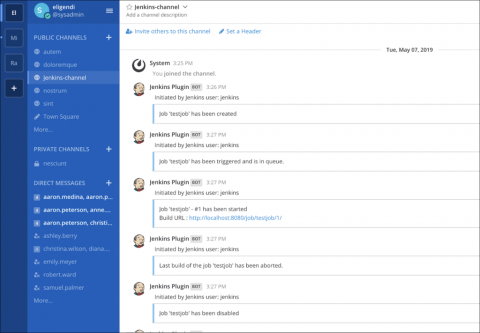
No matter what tools your team uses, more effective collaboration results from sharing information and context, being able to react quickly, and automating repetitive processes. Development teams move faster when they can consolidate information in one central hub and can reduce context switching by switching less between different tools.
In times where it is possible to instantly access information, the website is the main point of communication with the market for every company. The website is often the place where the crucial first impression is built. It generates leads, sells, provides customer service, gets in touch with the media, recruits etc. It is the company’s website that the traffic from advertising campaigns gets directed to—and not only from the online ones.
So you have been adding more and more logs to your Graylog instance, gathering up your server, network, application logs and throwing in anything else you can think of. This is exactly what Graylog is designed for, to collect all the logs and have them ready for you to search through in one place. Unfortunately, during your administration of Graylog you go the System -> Overview screen and see the big bad red box, saying you are having indexing failures.