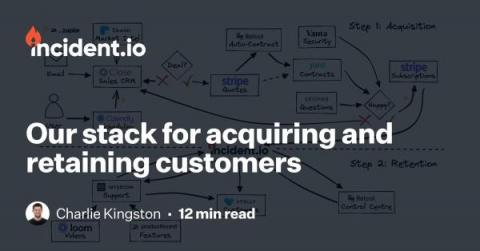
Our stack for acquiring and retaining customers
We’ve been building incident.io for 12 months and thought it would be a good time to share the constellation of tools that we’re using to power our customer experience.


We’ve been building incident.io for 12 months and thought it would be a good time to share the constellation of tools that we’re using to power our customer experience.
It’s true that network assessments take time, but they are worth every second. Today, businesses around the globe struggle to keep their networks and data secure. In fact, TechTarget’s list of 2022 cybersecurity statistics announces that “the cost of cybercrime is predicted to hit $10.5 trillion by 2025.” However, with routine network assessments, businesses can reduce threats and keep their IT infrastructures running smoothly.
Several weeks ago, while on a call, a customer of the Broadcom Service Virtualization solution posed the following question: “Now that we’re moving to the cloud, do we still need Service Virtualization?” The question struck me as odd.
Multicloud and hybrid cloud applications are deployed on multiple cloud vendor platforms, including on-premises private cloud. While these platforms offer tremendous benefits by providing a reliable and scalable platform for fuelling digital transformation, they also add significant monitoring complexity. Site reliability engineers (SRE) need multicloud monitoring visibility to: Why is this important?
In the past three years (post-covid-19), we have seen a major decline in manual processing. Technology is on a boom, there is a major shift in how work was previously done and the way it is done now. If we talk about Financial Institutions, there is a major shift in how the tasks are now performed. Previously they used to rely on their employees for Asset Tracking and Management as they did not have a lot to focus on.
Managing technology services and operations can be like trying to jockey around road hazards in a vehicle that doesn’t have all the features you need for the drive. Just as your navigation technology helps keep your journey on track, full visibility into IT issues is vital. That’s what automated service operations offers. When different teams use different tools with different views of data, it can be a struggle to see if there’s a problem.
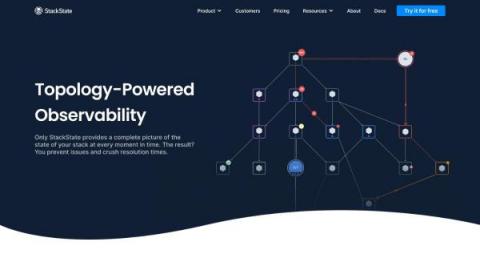
StackState is an out-of-the-box solution to observe your entire Kubernetes stack, identify problems, automatically highlight the changes that cause them and provide the full context you need for efficient and effective troubleshooting. Our clear and affordable pricing makes it easy to get started today.
Over the past few years, artificial intelligence for IT Operations (AIOps) has risen in popularity within the technology landscape. It’s become a buzzword in the marketing world, and while there are many ways to define AIOps, the best way to start thinking about it is through the lens of outcomes, correlation and strategy—it’s all about the data.
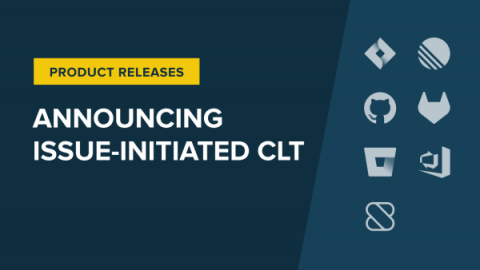
Sleuth is pleased to announce a new option to start your Change Lead Time clock based on state transitions in your issue tracker! In our ongoing effort to meet customers where they are, we heard from many of you that you’d like Sleuth to account for and provide visibility into your pre-commit coding time. We’re pleased to offer this this new option to tell Sleuth which specific state transitions in your issue tracker should start your Change Lead Time clock!
Today, I’d like to tell you about a new community-contributed integration that connects Honeycomb to your ServiceNow workflows. My new integration reimagines what’s possible when connecting observability tools with ITSM systems. This post explains how it works and how to get started with it.