Operations | Monitoring | ITSM | DevOps | Cloud

How to Troubleshoot PHP Web Application Problems

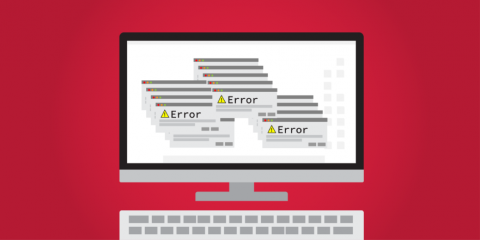
Not all problems or issues in web development can be detected during development or testing. There are even web application errors that are hard to catch like runtime errors. Most PHP developers or server administrators will just look at the web server or database logs once an issue arises. They would just grep the logs for errors or timestamps in which the error occurred. This method of troubleshooting PHP problems requires a high technical skill and would take a long time to find the root cause.


Feature Spotlight: Malware / Virus Checks

Malware / Virus checks from Uptime.com checks your site against two major malware databases. Malware is any type of unwanted or malicious code. Malware includes viruses, which are malware designed to replicate and spread, as well as spyware, adware, trojans and more. A Malware / Virus check uses the Google Safe Browsing List and the Yandex Safe Browsing List to determine if your site has malware.

Collecting metrics with IIS monitoring tools

In this post, we’ll show you how to use built-in IIS monitoring tools to access and graph performance counters, configure logging in IIS, and query your logs with Microsoft’s Log Parser Studio. We’ll also explain how to use a diagnostic tool to investigate memory leaks and high CPU utilization in your application pools and worker processes.

Key IIS metrics to monitor

Microsoft’s Internet Information Services (IIS) is a web server that has traditionally come bundled with Windows (e.g., versions 5.0, 6.0, and beyond). IIS has numerous extensibility features. Swappable interfaces like ISAPI and FastCGI make it possible to use IIS with a variety of backend technologies, from micro-frameworks like Flask to runtimes like Node.js, along with technologies you’d expect to find within a Windows-based production environment (e.g., ASP.NET).

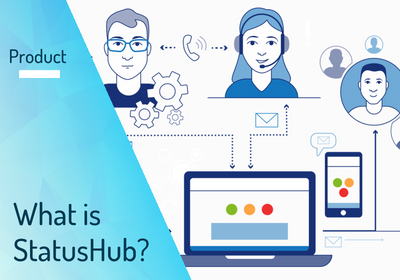
How to convince your boss you need a status page

Every company depends on tools that help them do their jobs. HR tools, CRMs, chat & collaboration tools, business intelligence tools, marketing automation tools… the list goes on. Bringing another tool into the mix involves approval processes, buy-in from execs, and the occasional boss-nudging for her credit card.