The latest News and Information on Cloud monitoring, security and related technologies.
Cloud environments are susceptible to security issues. A big contributor is misconfigured resources. Misconfigured S3 buckets are one example of a security risk that could expose your organization’s sensitive data to bad actors. Policies and regular enforcement of best practices are key to reducing this security risk. However, manually checking and enforcing security is time-consuming and can fall behind with all the demands a busy DevOps team faces every day.
So you've set up a Google Cloud Logging sink along with a Dataflow pipeline and are happily ingesting these events into your Splunk infrastructure — great! But now what? How do you start to get meaningful insights from this data? In this blog post, I'll share eight useful signals hiding within Google Cloud audit logs that will help you uncover meaningful insights. You'll learn how to detect: Finally, we’ll wrap up with a simple dashboard that captures all these queries in one place.
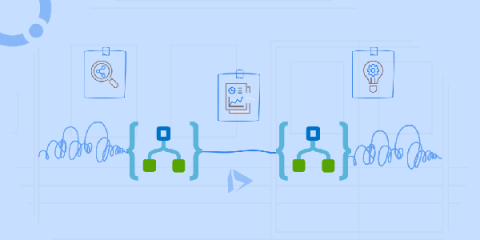
In this handbook, we’ll explain the AWS Step Functions Input and Output manipulation. There’s plenty to talk about AWS Step Functions. There are numerous articles available online talking about AWS Step Functions ever since Step Functions were introduced in 2016. Most of these articles might make you think that Step Functions are actually an extension of the Lambda function, allowing you to combine several Lambda functions to call each other.
At Google Cloud, we strive to bring Site Reliability Engineering (SRE) culture to our customers not only through training on organizational best practices, but also with the tools you need to run successful cloud services. Part and parcel of that is comprehensive observability tooling—logging, monitoring, tracing, profiling and debugging—which can help you troubleshoot production issues faster, increase release velocity and improve service reliability.
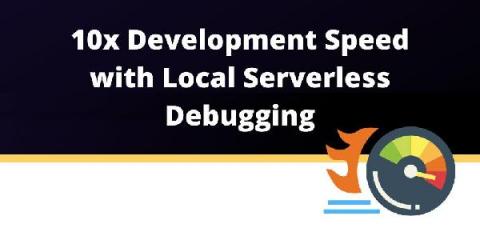
Although AWS Lambda is a blessing from the infrastructure perspective, while using it, we still have to face perhaps the least-wanted part of software development: debugging. In order to fix issues, we need to know what is causing them. In AWS Lambda that can be a curse. But we have a solution that could save you dozens of hours of time. TL;DR: Dashbird offers a shortcut to everything presented in this article.