9 retrospective techniques that won't bore your team to tears
Don’t let your retros become stale, check-the-box-and-let’s-get-outta-here exercises that serve no purpose. Use these ideas to keep your team engaged.


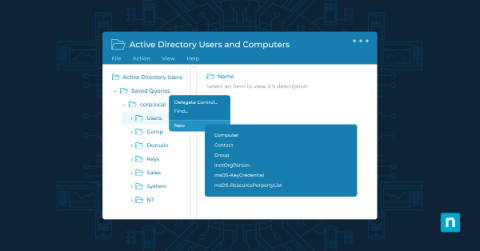
Active Directory Users and Computers (ADUC) is a management tool that provides a graphical user interface for managing and organizing the elements of a Windows Active Directory (AD) domain. Key functions include user, group, organizational unit, and computer management, as well as control of security and permissions and trust relationships between domains. ADUC provides system administrators with a centralized interface, simplifying complex tasks and enhancing the security of Windows environments.
Within the dynamic landscape of container orchestration, Kubernetes stands as a transformative force, reshaping the landscape of deploying and managing containerized applications. At the core of Kubernetes' capabilities lies its sophisticated networking model, a resilient framework that facilitates seamless communication between microservices and orchestrates external access to applications. Among the foundational elements shaping this networking landscape are Kubernetes Services and Ingress.
As technology evolves, with hackers perpetually sharpening their tools to breach our digital walls, understanding your computer’s built-in defenses is crucial. Kernel-mode hardware-enforced stack protection is one such mechanism. This article will look into the intricacies of this feature, as well as how to enable and disable kernel-mode hardware-enforced stack protection.
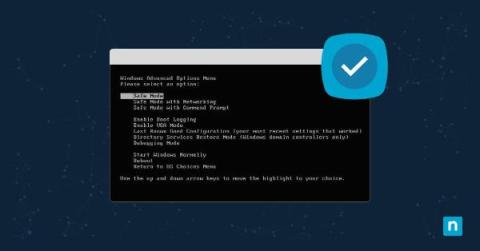
We all know the situation: You’re about to start working on your Windows machine, but instead of the familiar welcome chime and desktop, you’re greeted by relentless error messages, unpredictable system behavior, or even the infamous Blue Screen of Death. The good news is there’s a troubleshooter at your disposal. Safe Mode with Networking is the easiest way to troubleshoot issues and get back online quickly. So how can you boot Windows in Safe Mode with Networking?
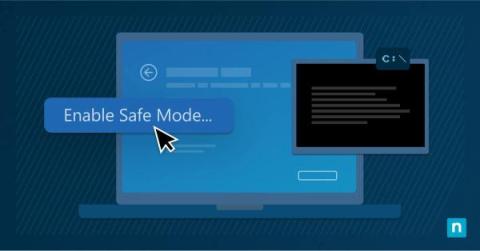
Your computer has just decided to throw a digital tantrum, and all the regular troubleshooting tricks just aren’t cutting it. You know that there’s something awry under the hood of your Windows operating system, but navigating the litany of errors is making your head spin. Fortunately, there’s another option: entering Safe Mode via Windows Command Prompt.