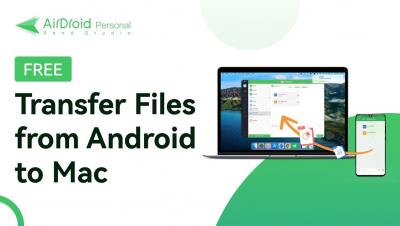
How to View Android and iPhone Screen on PC via USB
In this video, we show you how to cast or mirror your Android and iPhone screen to PC via USB.


The process of delivering mobile apps utilizing cloud technology is known as mobile cloud computing (MCC). Complex mobile apps today carry out activities including authentication, location-aware features and providing users with customized communication and content. As long as your device is online, mobile cloud computing enables you to store and access data anywhere. This makes it possible for data to be sent without difficulty anytime required.
Mobile device management – it’s been part of your operational technology portfolio for a long time. You’ve been using it for years – or maybe decades – to stage device configurations, push software updates and more. You might be using our Ivanti Avalanche MDM solution to manage your rugged mobile deployments. The device, OS and app management capabilities remain at the center of your mobility management program, and that isn’t going to change.
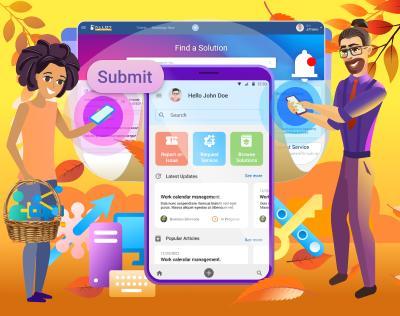
Alloy Software Inc. today unveils a brand-new mobile experience for end-users of its Alloy Navigator ITAM/ITSM suite. The new app offers mobile users the ability to report issues and track their progress, request services from the IT team, search for answers in the knowledge base, reserve equipment for temporary use, and more.
Picking the best iOS crash reporting tools available in 2023 is a tall order. The market has continued to get more competitive, and a best-in-breed tool needs to monitor crashes, generate crash reports, filter and group errors, plus perform other tasks on top. In this article, we’ve collected the 15 best iOS crash reporting tools to help you make the right decision for your particular requirements.
Mobile devices have changed our world. They come with us everywhere and provide invaluable services. One nagging problem is how to get data out of your mobile device. Specifically, logging metrics and events can be a trial. Opening up a public-facing port, managing the log receivers, coding… Wouldn’t it be nice if this was simplified? This article will demonstrate how easy delivering logs can be using Cribl.Cloud and simple HTTP POSTs – for free.