Operations | Monitoring | ITSM | DevOps | Cloud

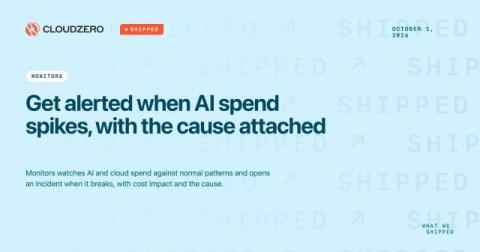
Shipped: Get alerted when AI spend spikes, with the cause attached

AI spend now comes from every department, and it can double in a week without anyone deciding it should. The invoice arrives after the month closes. By then the usual response is a spend cap, which slows every team, including the ones getting real work done with AI. You need to know about spend that breaks its normal pattern while there’s still time to act. The alert should reach the person who can act on it, with proper context and detail.
Top 10 RMM (Remote Monitoring and Management) Tools for IT Teams in 2026

Managing a growing IT environment requires more than reacting to problems as they appear. IT teams and managed service providers (MSPs) need continuous visibility into endpoints, servers, networks and other infrastructure so they can identify potential issues, perform maintenance and resolve problems remotely. That is where remote monitoring and management (RMM) software comes in. RMM tools provide IT teams with a centralized way to monitor and manage distributed IT environments.

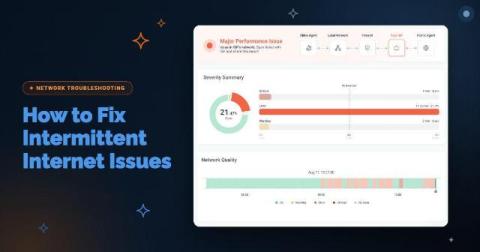
How to Fix Intermittent Internet Issues: Is It Your Network or Your ISP?

Your Internet circuit is up. The firewall shows the WAN link as connected, your ISP's status page is green, and a speed test comes back at full provisioned bandwidth. Meanwhile, Teams calls at one branch break up for ten minutes every afternoon, and every user at that site sees Salesforce slow to a crawl at the same moment. Then everything recovers before anyone can capture it.

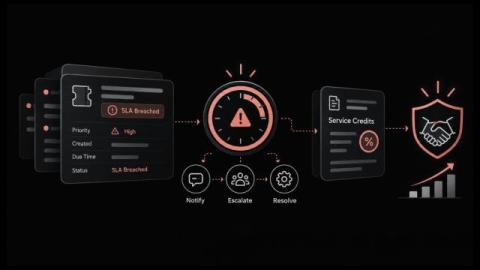
What Happens When an SLA is Breached and How to Recover Customer Trust

What does your organization owe a customer when a priority ticket misses its resolution target by forty minutes? For most service providers and internal service desks, the answer stays unclear until the customer asks for a credit or a manager asks why the monthly SLA report shows a miss. By then, the facts that decide the outcome, such as when the clock started, whether it paused and who was told, are scattered across tickets, emails and chat threads.

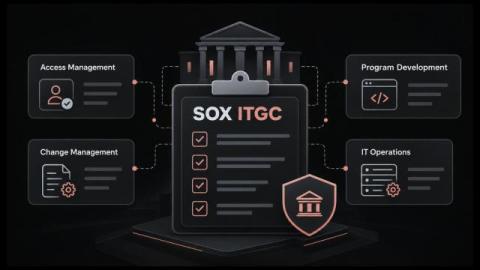
SOX ITGC Controls Checklist for IT Service Management and Year-Round Audit Readiness

How much of your SOX audit season goes into rebuilding proof of work that was already done? Access was approved, the change went through review, the backup ran, yet the evidence lives in email threads, chat messages and a spreadsheet someone updated last quarter. When an auditor asks for a complete list of production changes, IT staff have to pull records from several places against a deadline.

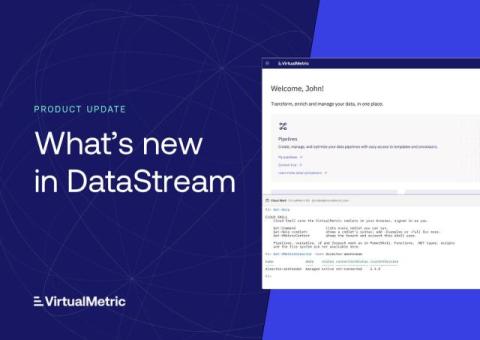
Cloud Shell, New Integrations, and More

VirtualMetric DataStream now includes a PowerShell console in the browser, more than a dozen new integrations, and a new way to collect data from servers and virtualization hosts, where teams choose exactly what they collect. This update also brings guided learning for new users, built-in monitoring rules, and new controls for organizations managing branding and sign-in. Here’s what’s new.

The new Civo dashboard is in beta: Try it today

First previewed on stage at Civo Navigate London, the new Civo dashboard is now in beta, and getting to it just got a lot easier. Starting today, you'll see a Try it now banner at the top of your current dashboard at dashboard.civo.com. Click it to head to the new dashboard, sign in with your usual Civo account details, and you're in. You can also go directly to dashboard-manager.civo.com. Look for the Try it now banner in your current dashboard.

EVOLVE 2026 Recap: Operational Excellence for the AI-Native SDLC

Last week we hosted our annual conference, EVOLVE, where global engineering leaders came to talk through the realities of building AI-native SDLCs. When asked to name the biggest friction point in their software lifecycle, attendees gave telling answers: ‘reviewing changes’ took 36 percent, ‘measuring impact’ took 35, and ‘building’ drew zero votes.

Building Investigations: what it takes to build an AI SRE

At incident.io, we've spent the last two years building Investigations, our AI SRE. When you get paged, it starts investigating straight away, looking across your telemetry, recent deploys, past incidents, docs and code, and posts what it's found in your incident channel (or on your phone, if it's 2am and you're still deciding whether you need to get out of bed). By the time you open your laptop, you're starting at step six of triage rather than step one.