Operations | Monitoring | ITSM | DevOps | Cloud

Celebrating 2023: NinjaOne's Year in Review

Join us for a walk down memory lane as we explore the products, features, and enhancements we brought to our customers this year. We’re bringing some special guests to walk through the capabilities we’re most excited about and show off how they’re used by customers in the field. Best of all, we’ve got a sneak peek at what’s coming up next in early 2024.

OpenTelemetry vs Jaeger : Comparing Apple and Oranges

Open telemetry works with all the three signals i.e. it help in generating all the three signals while Jaeger only focuses on one signal (traces). The second key difference is Jaeger doesn't worry about generating data. It's more focused on the UI visualization long term storage of traces data while OpenTelemetry primarily focused on generating traces data.

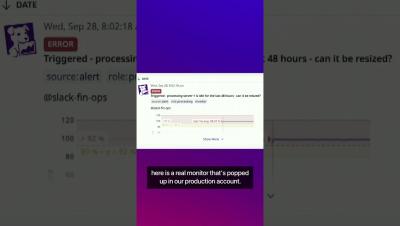
FinOps and Cloud Cost Optimization #shorts #datadog #cloudservices

As companies scale, it’s become increasingly important to keep cloud cost management and optimization top of mind. In this talk, Yuval Yogev from Sygnia walks you through Sygnia’s optimization journey of cutting their total cloud costs in half. Yogev also shares insights into how you can optimize your own organization’s cloud usage and spend.

How to build workflows in OneUptime and integrate OneUptime with anything?

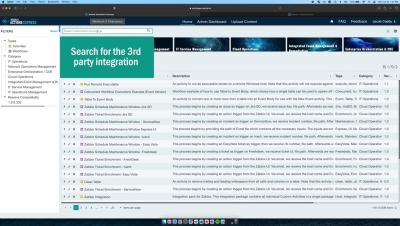
OneUptime is a complete open-source observability platform. It allows you to create workflows and integrate with over 5000 different services and products without writing any code. This integration capability allows OneUptime to connect with the rest of your software stack. Building workflows in OneUptime likely involves defining the sequence of operations that should occur based on certain triggers or conditions. These workflows can help automate processes, such as incident management, alerting the right people at the right time, and more.

How to create an on-call policy and rotation in OneUptime?

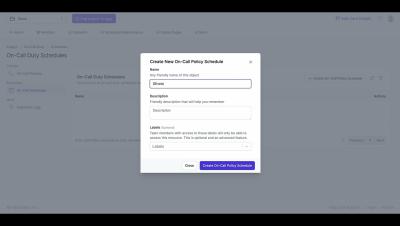
In this tutorial video, we walk you through the process of creating an on-call policy and rotation in OneUptime. We start by explaining what an on-call policy is and why it’s crucial for your organization. We then guide you step-by-step on how to set up a policy, including defining the policy name, setting the escalation rules, and adding users to the policy. Next, we delve into creating a rotation for the policy. We explain how to set the rotation length, start time, and participants. We also show you how to handle holidays and time-off requests within the rotation.